
Included on Free
- One active job profile
- Daily tip and hour records for that job
- CSV export of account and calendar data
Pro work records
Tips are only one part of compensation for many service professionals. TipKeepr Pro connects multiple job profiles, wage settings, paycheck records, pay periods, and yearly tax summary PDFs to the same history as your daily tips.
For workers whose take-home picture includes hourly wages, multiple jobs, and paychecks in addition to cash and card tips.
Free is a permanent working plan. Pro adds the tools listed here for $5.39/month or $53.90/year in the US.
Included on Free
Pro adds
A paycheck can combine hourly wages, reported tips, deductions, and a pay period that spans many shifts. Saving the paycheck beside the job and calendar record makes it easier to revisit the source information later.
How it works
Create the job profile and, with Pro, add wage settings or additional active jobs.
Save the pay period, paycheck details, notes, and an optional photo within the Pro paycheck flow.
Use paycheck and wage analytics, estimates, and the yearly tax summary PDF as references for your recorded work.
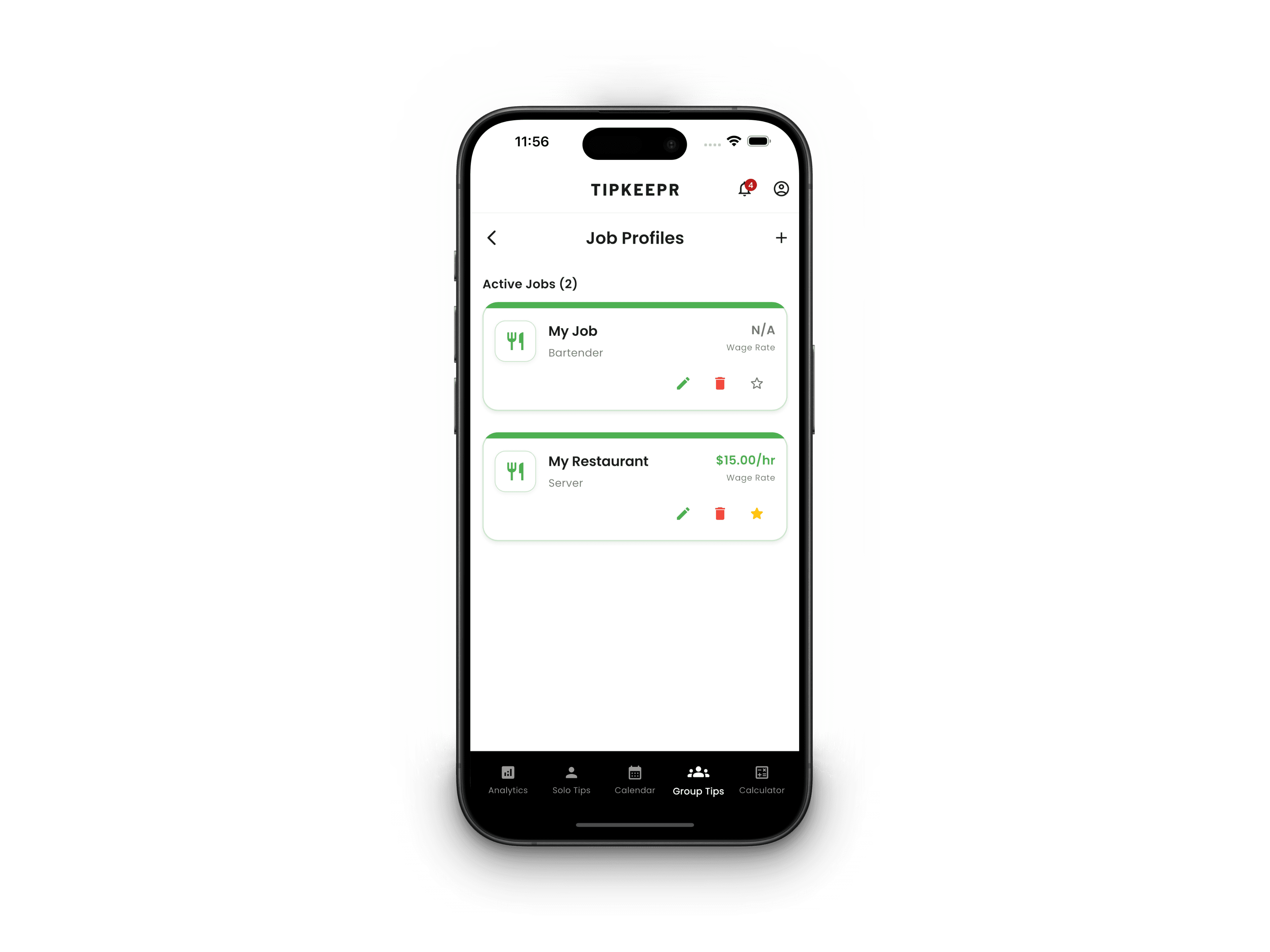
Free includes one active job profile. Pro lets workers with more than one restaurant, bar, venue, or service role keep job-specific records organized instead of combining unlike schedules and compensation structures.
Each job context can support the shift and paycheck records tied to that workplace, making longer-range analytics more meaningful.
Pro paycheck records support pay-period details, photos, and notes, while wage settings and paycheck estimates help connect scheduled compensation to the rest of the earnings record.
These tools are recordkeeping aids. They do not replace an employer paystub, payroll system, accountant, or tax professional.
Pro can generate a yearly tax summary PDF from the information recorded in TipKeepr. The document helps consolidate the app record for review, but users should verify completeness and rely on official tax documents and qualified advice for filing decisions.
No. Adding paychecks, pay-period details, paycheck estimates, and wage settings requires Pro.
Pro supports multiple active job profiles. Free supports one active job.
No. It is a Pro summary PDF based on data recorded in TipKeepr and should be checked against official documents.