
Included on Free
- Open the Tip Binders area
- Participate in available member flows
- Review and sign through a shared recipient link when invited
Team tip workflows
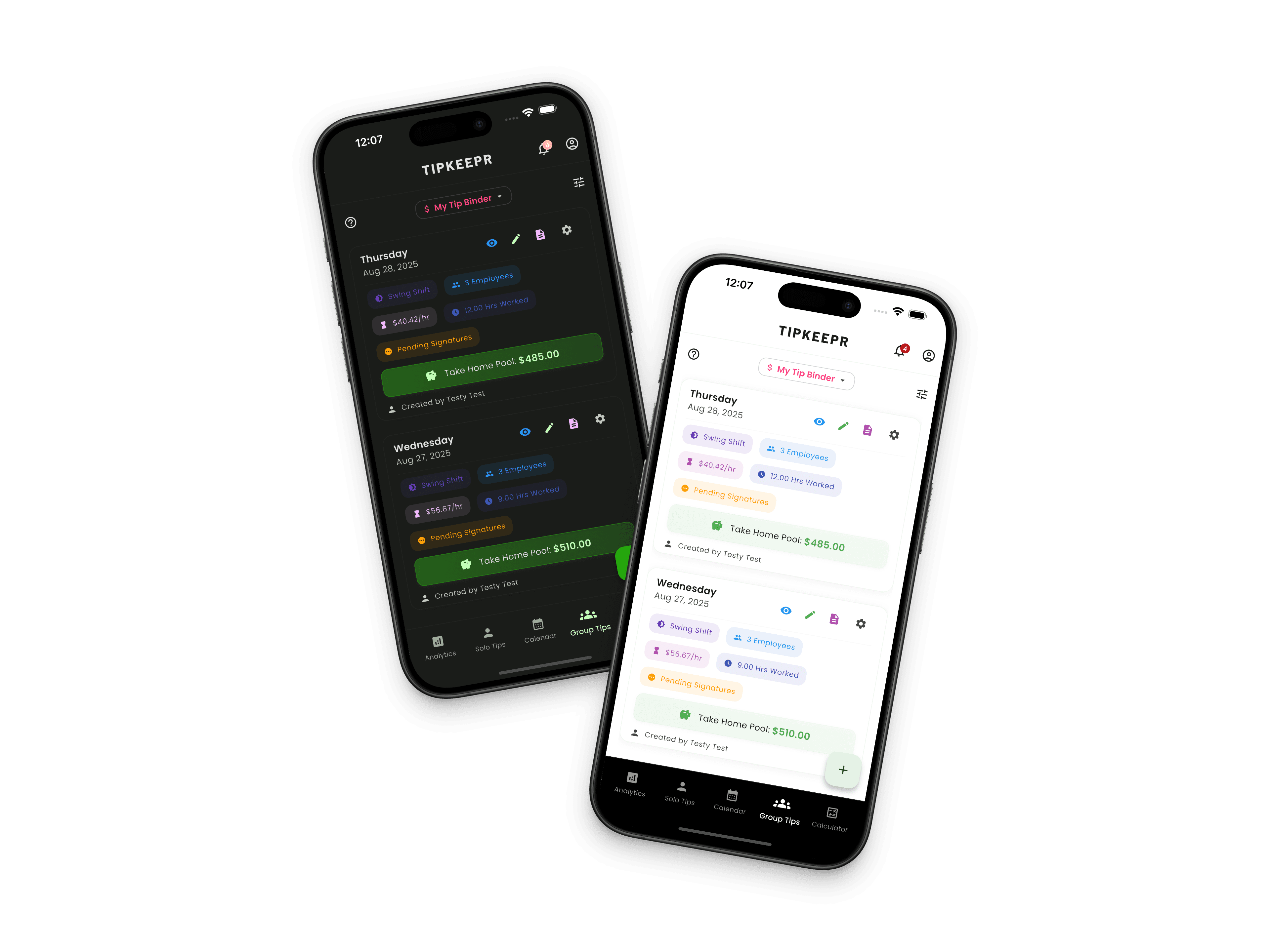
Team tips create a recordkeeping problem that a personal tip total cannot solve. TipKeepr Premium provides mobile Tip Binders and tip sheets for organizing employee rows, split workflows, payouts, signatures, and completed PDFs.
For service professionals responsible for preparing or documenting shared tips. The current management workflow lives in the mobile app; the separate business dashboard remains coming soon.
Free is a permanent working plan. Premium adds the tools listed here for $5.39/month or $53.90/year in the US.
Included on Free
Premium adds
The mobile workflow keeps the working tip sheet, employee rows, calculation method, and payout details together. A secure browser link lets a recipient review and sign without turning that link into a general web dashboard.
How it works
Choose the Tip Binder, add the relevant employees, and enter the shared tip information.
Use the available split workflow, review payout sections, and confirm the employee rows before sharing.
Send a secure signing link, then save, share, or print the completed tip-sheet PDF.
A Tip Binder groups related team tip sheets in the mobile app. Premium users can create and manage binders, prepare employee rows, and reuse templates when a similar distribution happens regularly.
Free users can open the area and participate in supported member or recipient flows, but advanced creation and administration are Premium capabilities.
TipKeepr supports even and hours-based team split workflows. Employee hours and tip amounts remain visible on the sheet so the calculation can be reviewed before signatures are requested.
Payout sections can document amounts that leave the shared pool, and templates reduce repeated setup for familiar teams or shift structures.
Recipients can open a secure browser link to review and sign a shared tip sheet. Completed sheets can be represented as PDFs for saving, sharing, or printing. This focused browser flow is available now; the broader business dashboard is not yet launched.
A recipient can review and sign through a secure shared browser link when a signature request is sent.
Yes. Even and hours-based split workflows are available within Premium-managed team tip sheets.
No. The business dashboard is coming soon. Current Tip Binder and tip-sheet management happens in the mobile app.