
Included on Free
- ServerLife CSV import on Free and Premium
- Choose an existing destination job
- Create a new destination job during setup
- Add imported entries to the TipKeepr calendar
- Export TipKeepr account or calendar data to CSV
Data portability
Starting a new tip tracker should not require abandoning the history you already recorded. TipKeepr can import the supported CSV format exported from ServerLife into a selected job.
For ServerLife users who want to move existing tip entries into TipKeepr while preserving the original CSV as a backup.
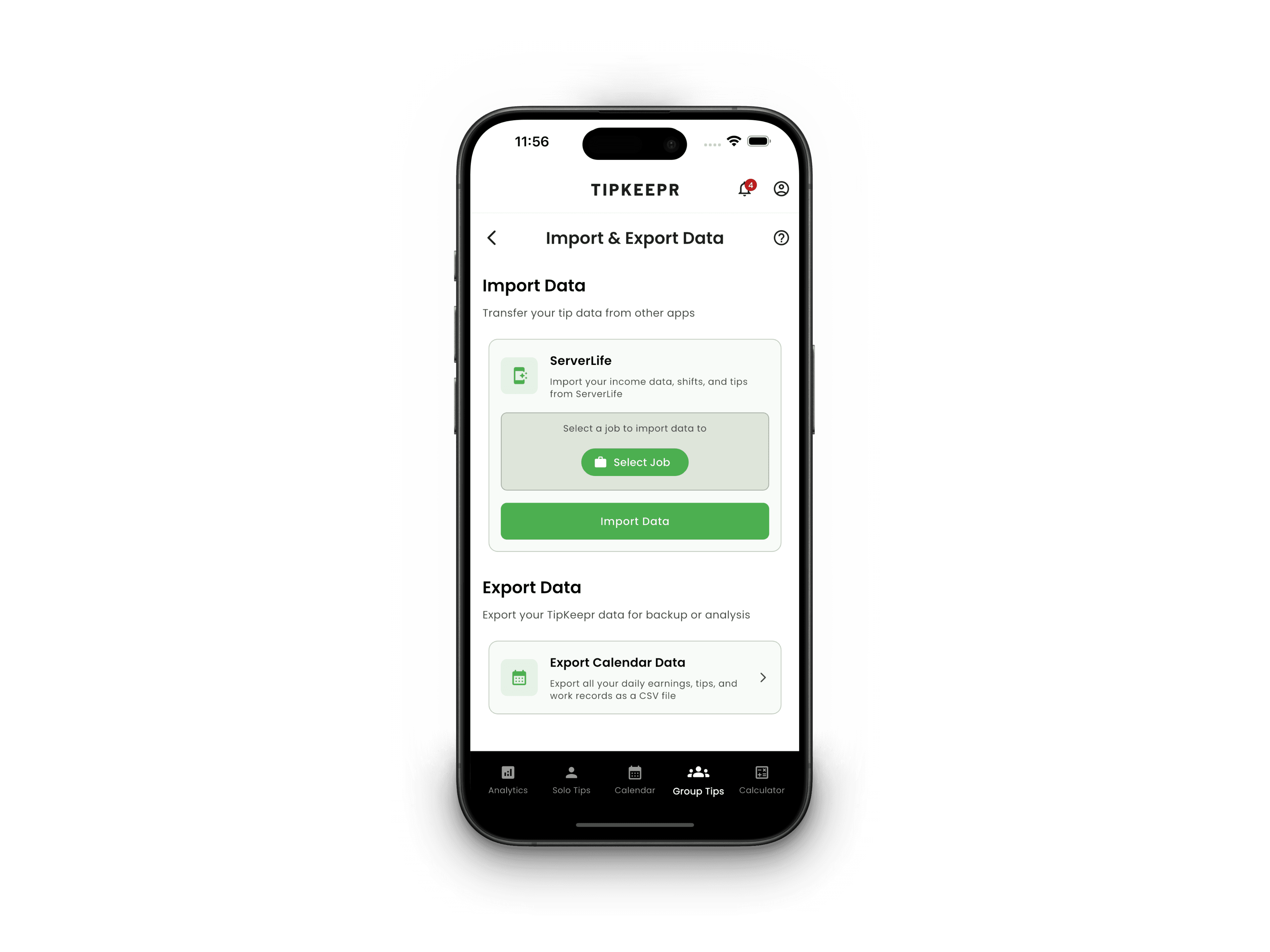
This workflow is available on both TipKeepr Free and Premium. No subscription is required.
Included on Free
No Premium required
Use the same supported workflow on Free or Premium. Your imported historical entries remain accessible on the Free plan.
The import maps supported ServerLife records into the TipKeepr job you choose. Keep the original export and compare sample dates after the import so you can confirm that the new calendar reflects the source file.
How it works
Create the CSV using ServerLife and keep an unchanged copy of the original file.
Open Import and Export Data in TipKeepr, then select or create the job that should own the imported entries.
Choose the CSV, wait for confirmation, and compare several dates and totals with the original export.
ServerLife CSV import is available on TipKeepr Free and Premium. Free users can import into their active job and retain access to the resulting historical entries.
Premium becomes relevant when you need multiple active jobs or want to examine imported history with monthly, quarterly, yearly, or custom analytics ranges.
Renaming columns, changing date formats, or saving the file through another tool can make the format harder to recognize. Use the original ServerLife export whenever possible and save edits as a separate copy.
The destination job connects imported entries to the right workplace context. If you create a new job during import, use a recognizable name and confirm it before starting the file transfer.
After the success message, review a sample of dates, tip amounts, and hours. Keep the original ServerLife CSV until you are comfortable with the imported result.
No. The supported ServerLife CSV import is available on Free and Premium.
TipKeepr currently verifies the ServerLife CSV format. Do not assume another app format is supported unless the current app explicitly lists it.
Keep the original ServerLife export as a backup until you have checked the imported calendar entries and totals.
Compare your options