
Getting Started
Getting started with TipKeepr
TipKeepr is designed to become useful with the first shift you record. Start with one job, enter the details you already know, and build your history over time.
4 min read
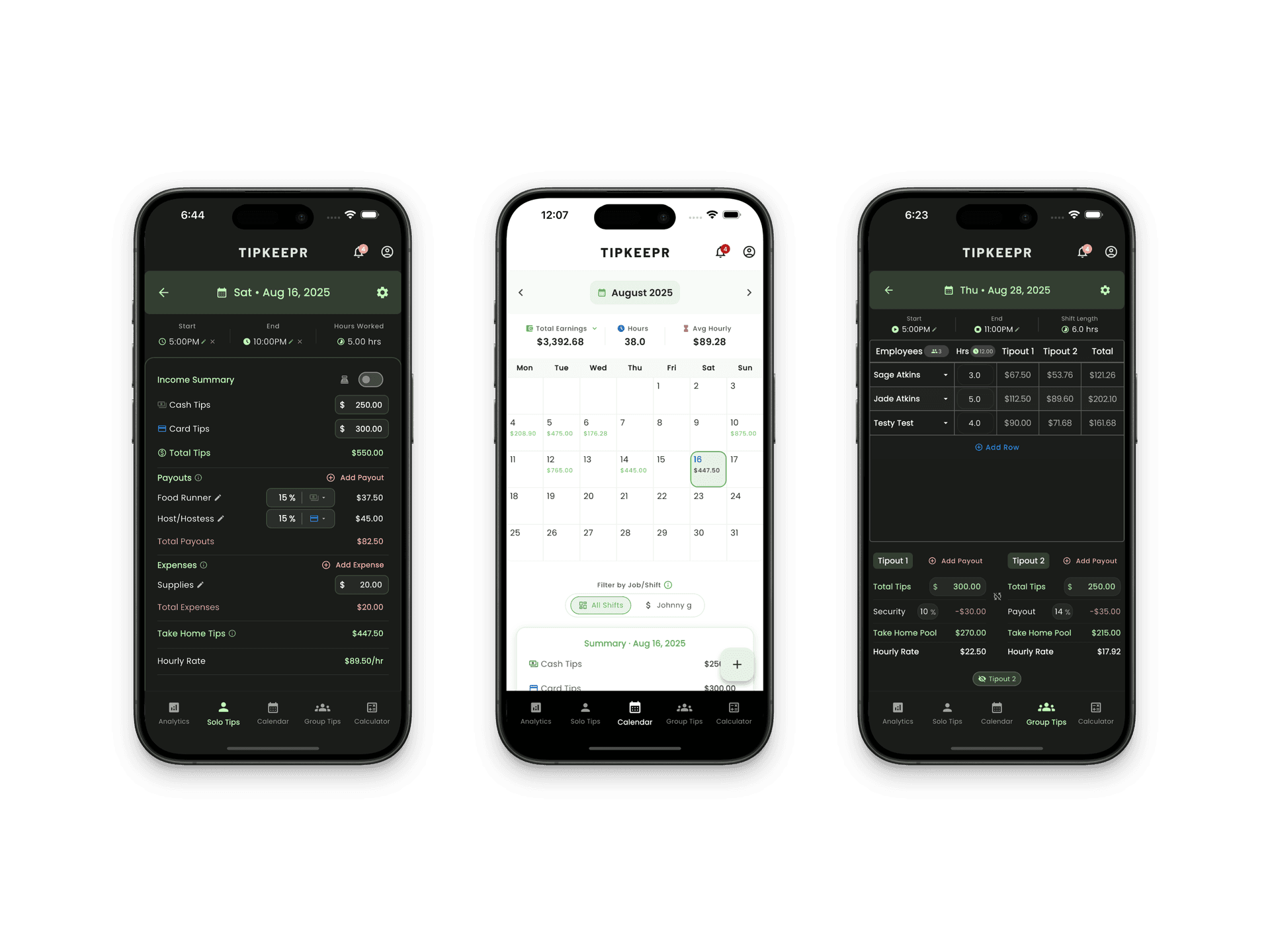
Step by step
- 1
Create your account
Open TipKeepr, sign up, and complete the email verification requested by the app.
- 2
Add your first job
Give the job a recognizable name, position, color, and icon. Free supports one active job.
- 3
Record a shift
Choose the date and enter cash tips, card tips, start and end times, breaks, and any useful note.
- 4
Review the result
Return to the calendar to open the saved entry or use Analytics to review the week.
What you can do on Free
Free is a permanent plan, not a temporary trial. It includes the core daily tracking workflow and keeps all historical data accessible.
- Cash and card tip tracking
- Hours, breaks, notes, and days off
- One active job
- Weekly analytics and core earnings metrics
- Weekly and monthly total-earnings goals
- Calculator, reminders, ServerLife CSV import, and CSV export
When Premium becomes useful
Premium is for records that need more structure: multiple jobs, broader analytics ranges, advanced income categories, paychecks, documents, and managed team tip sheets. You can begin on Free and upgrade inside the app when those workflows become relevant.