
Team Tips
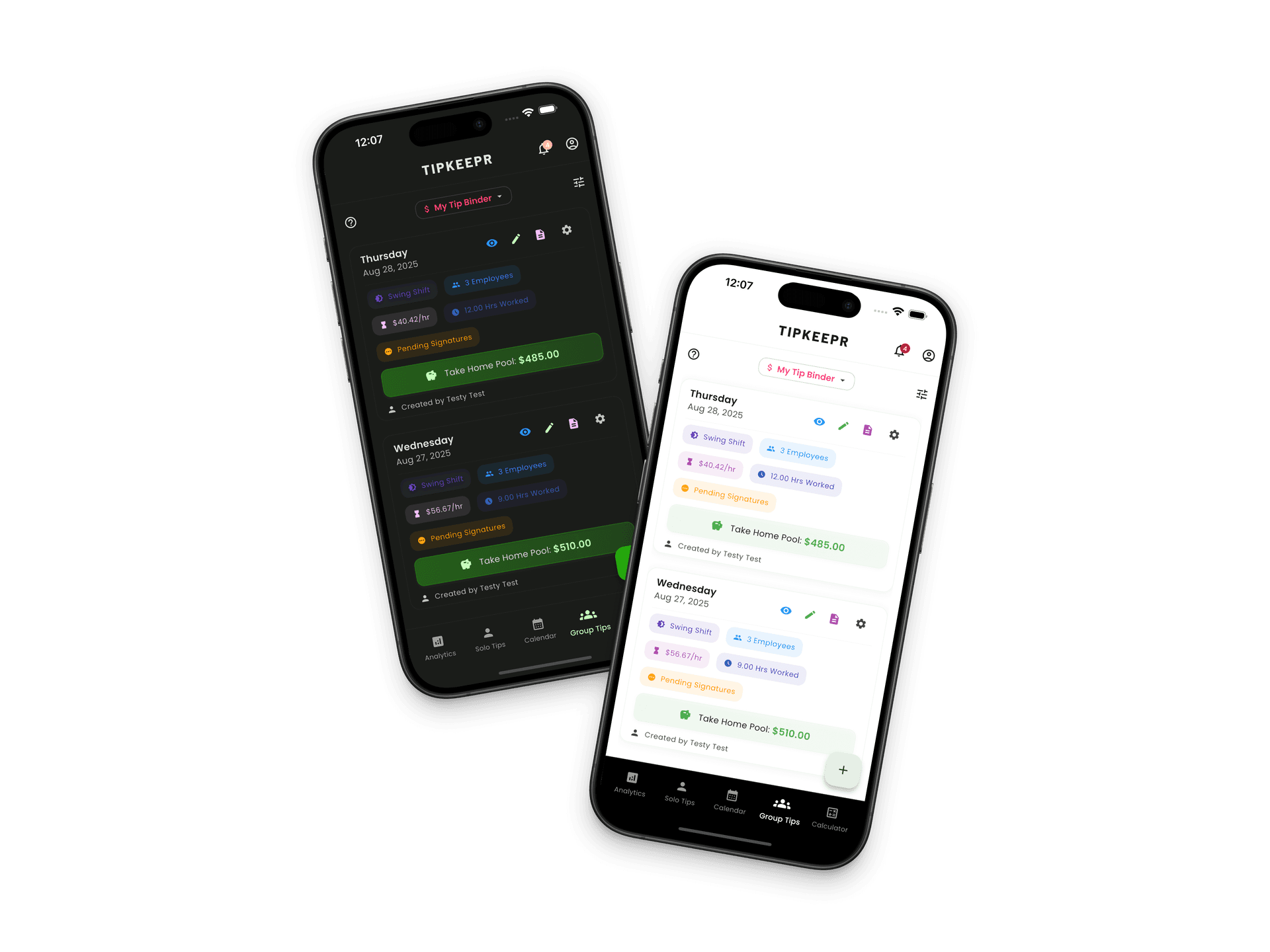
Tip Binders, tip sheets, signatures, and PDFs
Premium users can create Tip Binders and manage employee tip sheets in the mobile app. Recipients can review and sign a shared sheet through a secure browser link.
6 min read
Step by step
- 1
Create or open the Tip Binder
Use the mobile app to organize the tip sheets that belong together.
- 2
Build and review the sheet
Add employee rows and use the available even or hours-based split workflow.
- 3
Request signatures
Send the secure shared link to the intended recipient for review and signing.
- 4
Preserve the completed record
Save, share, or print the completed tip-sheet PDF as appropriate.
What happens in the app
Tip Binder creation, advanced employee rows, payout sections, templates, and managed sheet workflows are Premium mobile features. Member participation can vary by role and context.
What happens in the browser
The browser link is a focused recipient flow for reviewing and signing the shared sheet. It is not the unreleased business management dashboard.